Now on the App Store
Spokn
Voice to text, beautifully clean.
On-device AI transcription with CarPlay, smart notebooks, and privacy built in.
Clean by design, on every screen
From the first tap to a polished, exportable transcript — every screen stays calm, fast, and entirely on your iPhone.
-
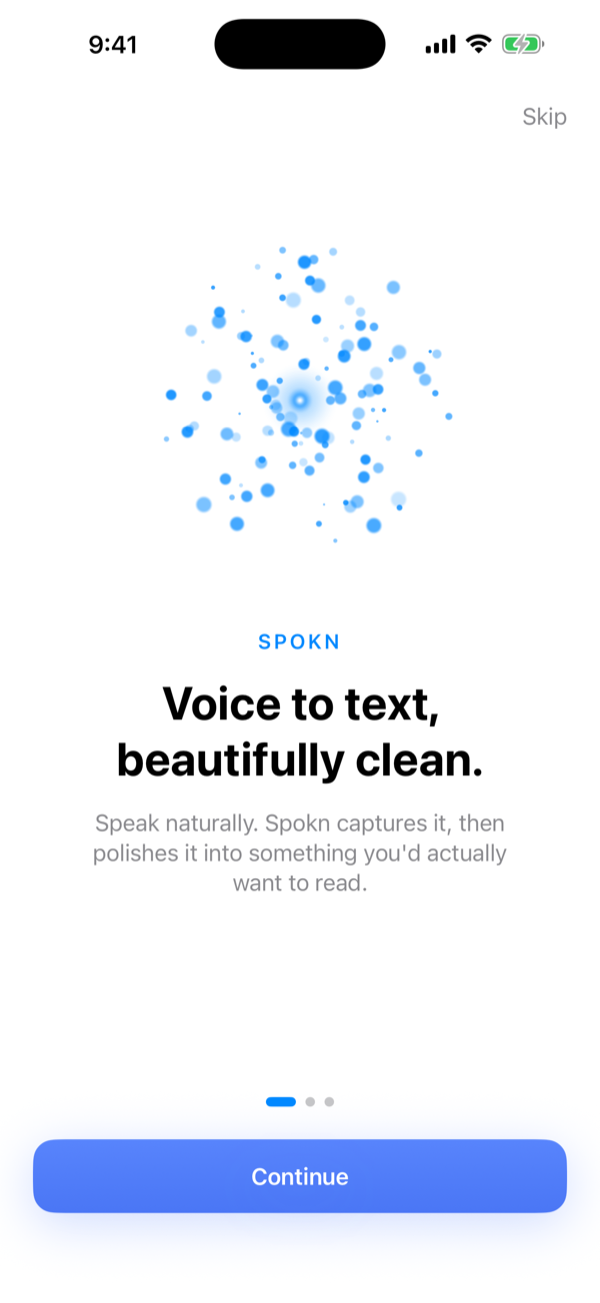
A calm welcome
-
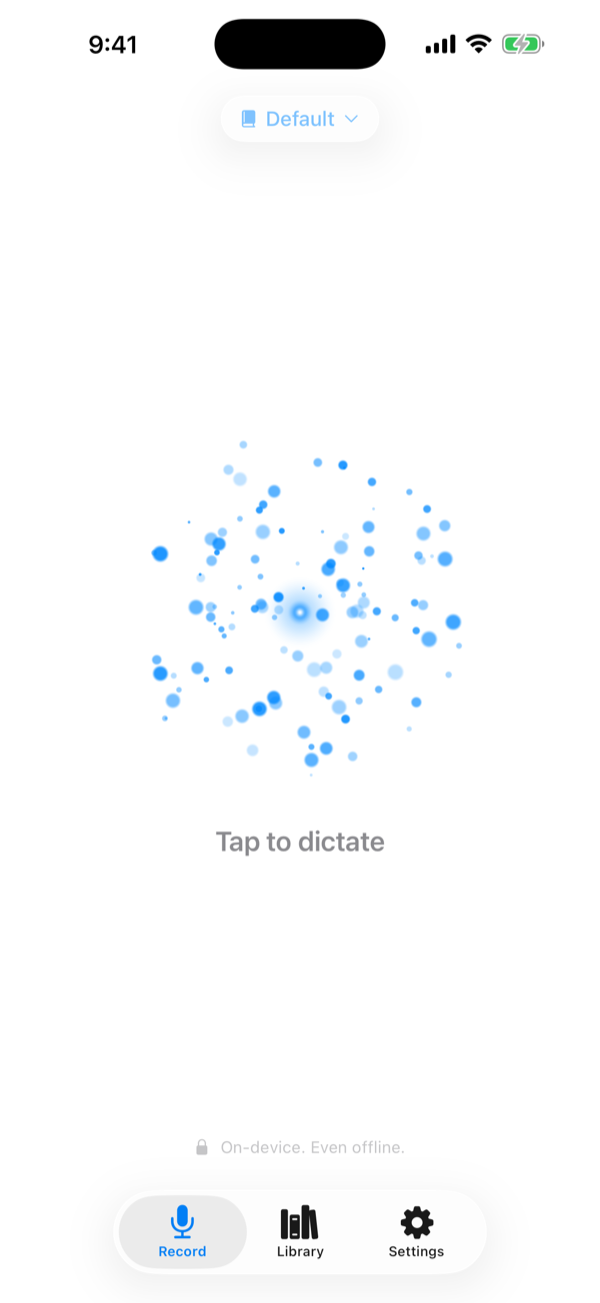
Tap the orb to start
-
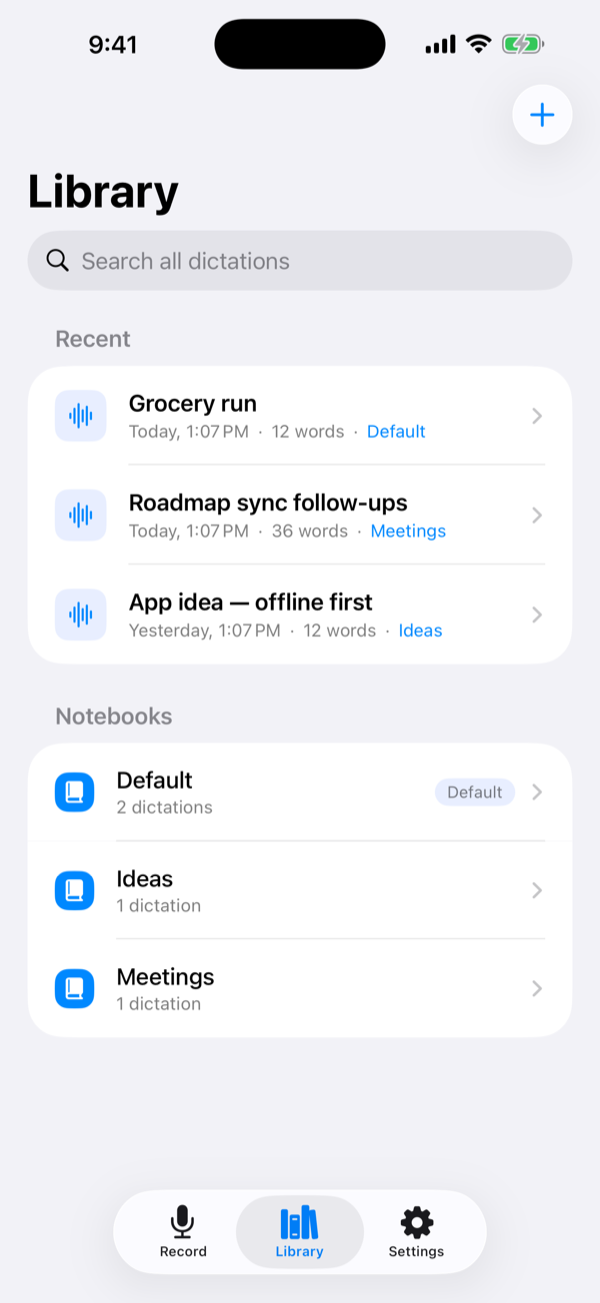
Notebooks keep it tidy
-
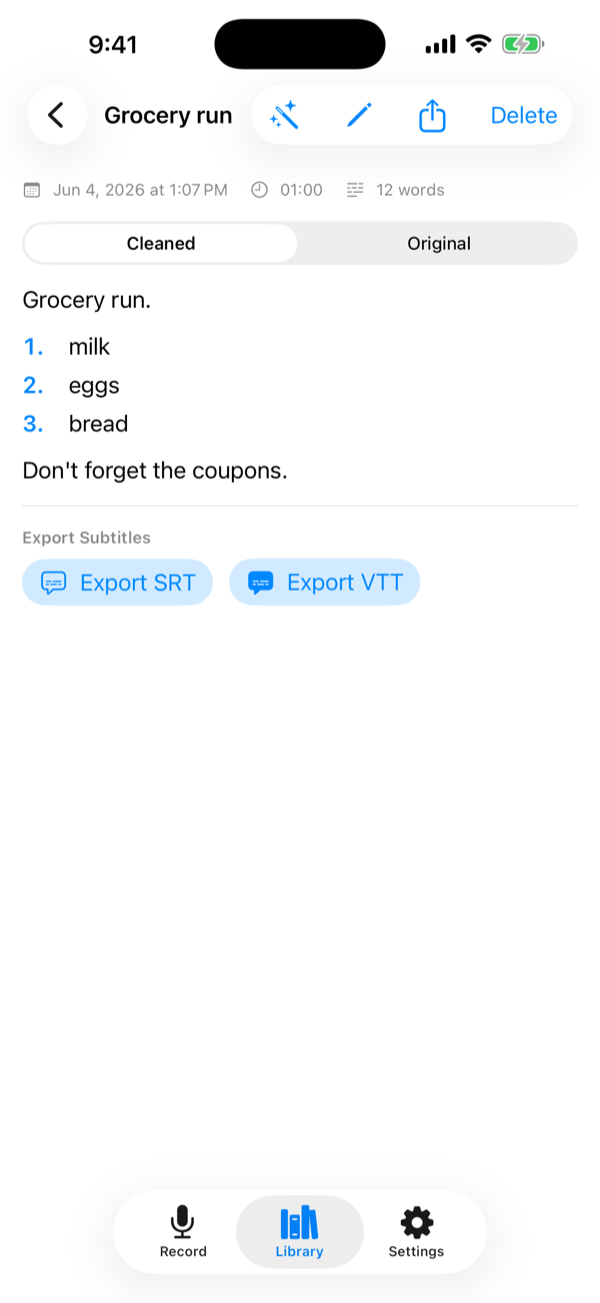
Cleaned or original — export anywhere
-
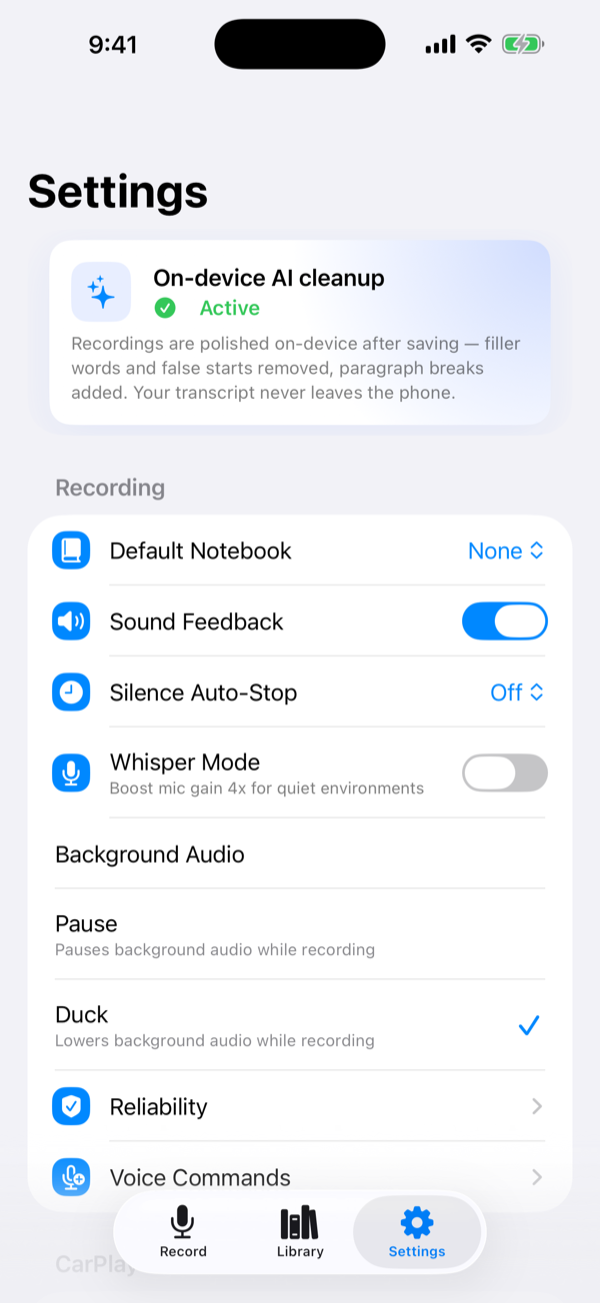
On-device by default
Everything your voice deserves
Built for iPhone, designed for real life — in the car, on a walk, or at your desk.
-
On-Device AI Cleanup
Filler words removed automatically. Apple Foundation Models power smart cleanup that never leaves your iPhone.
-
Live Transcription
See your words appear in real time as you speak. Accurate, instant, and delightfully satisfying to watch.
-
CarPlay Support
Dictate while driving, completely hands-free. A big, simple Start button keeps your eyes on the road.
-
Voice Commands
Say “new paragraph,” “bullet point,” or “start a numbered list” and Spokn formats as you talk — it even numbers your lists for you, completely hands-free.
-
Smart Notebooks
Organize transcriptions by project, trip, or topic. Find any recording instantly with full-text search.
-
iCloud Sync
Optional iCloud Drive export keeps a clean copy of every transcription in your personal iCloud — searchable, shareable, yours.
-
Privacy First
All processing stays on your device. No account, no cloud, no data ever sent to a server. Just you and your words.
Three steps to brilliant notes
No setup, no accounts, no friction. Start speaking in seconds.
-
Tap the orb
One tap on the glowing orb starts recording instantly. Or trigger it from CarPlay, the Action button, or a widget — without even unlocking your phone.
-
Speak naturally
Words appear on screen as you talk. Don't worry about "um" or "like" — AI cleanup removes filler words automatically in the background.
-
Save and export
Transcriptions land in your notebooks automatically. Export as clean text or subtitles (SRT/VTT), or sync a copy to iCloud Drive — yours to keep.
Privacy
Your voice never leaves your device.
Spokn is built on a simple principle: your thoughts are yours. Every feature — transcription, AI cleanup, and export — runs entirely on-device using Apple's frameworks.
- Speech recognition runs on-device using Apple's speech framework
- AI cleanup uses Apple Foundation Models — no external API calls
- No account required, ever — not even to get started
- No analytics, no crash reporting, no telemetry
- Audio files and transcriptions stay on your iPhone
- Export only happens when you explicitly tap export
Common questions
What iPhone do I need to run Spokn?
Does Spokn work offline?
How does the AI cleanup work?
Is my voice data private?
How does CarPlay support work?
How do I get my transcriptions out of Spokn?
iCloud Drive › Spokn, so they're available on every device signed into your iCloud account. With Spokn Pro, you can also export straight to an Obsidian vault as Markdown. And you can share any transcription anytime via the standard iOS share sheet.
Spokn is here.
Free on the App Store — for iPhone and CarPlay, fully on-device.
Download on the App Store